
PhilHealth Member Portal Guide
If you’ve ever lined up at a government office for hours, you know the feeling—tired feet, slow progress, and the constant hope that your number gets called. The good news? The PhilHealth Portal was built to save you from that. It’s your online shortcut to checking contributions, downloading your MDR, updating information, and getting access to services without leaving your home. This guide walks you through everything—from registration to fixing common problems—written in a simple, human way, just like how you’d explain it to a friend.
What Is the PhilHealth Portal?
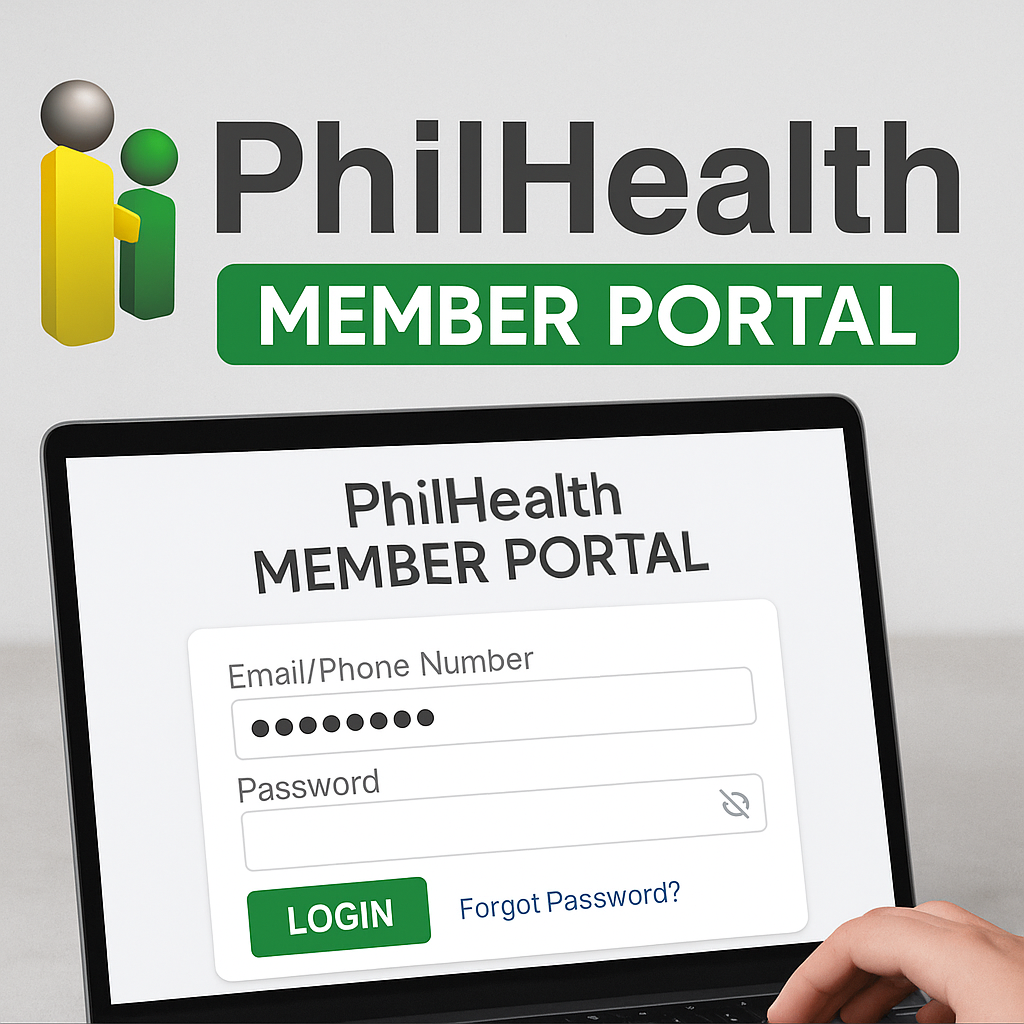
The PhilHealth Portal (also known as the PhilHealth Member Portal) is an online platform where members can manage their account, view contributions, and access digital services anytime. Think of it as your personal space inside the PhilHealth system—no more long lines, no more chasing documents.
Key Features and Services of the PhilHealth Portal
The portal is packed with helpful tools. You can:
- Check your PhilHealth contributions
- Download your PhilHealth MDR instantly
- Update member information
- Manage your PhilHealth online account
- Access online services for both members and employers
Every feature is built with one goal: to make healthcare access simpler and faster.
PhilHealth Member Portal: Complete Overview
The PhilHealth Member Portal is designed for individual users—employed, self-employed, OFWs, and voluntary members. Inside, you’ll see your full profile, contribution history, your MDR, employer list, and membership status. It’s basically your digital health insurance record—neat, organized, and always available.
How to Register for the PhilHealth Member Portal
Registering is easier than most people expect. Here’s the quickest path:
- Visit the official PhilHealth Portal.
- Click “Create Account” under the PhilHealth Member Portal section.
- Enter your PhilHealth number and personal details.
- Provide a valid email address—this will receive your activation link.
- Open your email and confirm your registration.
And you’re done! One common mistake? Typing the wrong birthdate. Make sure every detail matches your PhilHealth records.
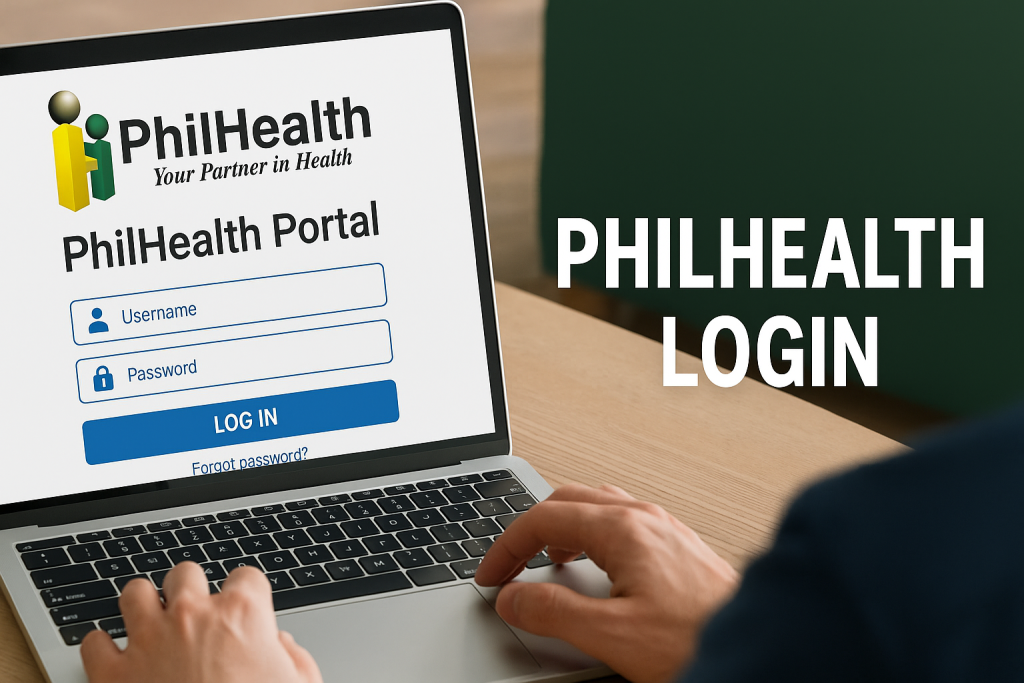
How to Log In to the PhilHealth Portal
Logging in takes seconds:
- Go to the PhilHealth Portal Login page.
- Enter your PhilHealth number and password.
- Click “Login.”
If you forget your password, don’t panic—use the “Forgot Password” option. Just check your email spam folder; sometimes the reset link gets trapped there.
How to Update Your PhilHealth Information Online
Updating your details is a huge time-saver:
- Go to the PhilHealth Member Portal.
- Log in and click “Online Member Data Amendment.”
- Upload supporting documents if required.
- Submit and wait for email confirmation.
You can update your address, phone number, civil status, and more. No need for physical forms unless PhilHealth requests them.
How to Check PhilHealth Contributions Online
This is one of the most-used features. To check your contributions:
- Log in to your portal account.
- Select “Contribution.”
- View your monthly contribution history.
You can now see if your employer is paying correctly—or if you need to follow up.
How to Get Your PhilHealth MDR Through the Portal
Need your PhilHealth MDR for work, school, or hospital requirements? The portal makes it instant:
- Log in.
- Click “Member Data Record (MDR).”
- Download or print.
No request forms. No lines. No delays.
Using the PhilHealth Portal for Online Payments
Voluntary and self-employed members can pay contributions online through partner payment channels linked on the portal. Just choose your contribution schedule, generate a payment reference, and pay via online banking or e-wallets.
Employer Portal Guide
The PhilHealth Employer Portal offers tools to:
- Verify employee membership
- Check employer contribution lists
- Submit reports
- Manage employer details
If you’re an HR officer or employer, it streamlines compliance and saves precious office time.
Common Issues and How to Fix Them
Here are problems people usually face—and their simple fixes:
1. Login errors – Try resetting your password or clearing your browser cache.
2. Activation link not working – Request a new link or check for email typos.
3. Contribution records not updated – Employers sometimes delay uploading. Wait a few days or coordinate with HR.
4. Portal loading slowly – Access during off-peak hours (early morning or late evening).
Small issues happen, but they’re easy to fix once you know what to look for.
PhilHealth Portal Security Tips
Your online account is your responsibility. Protect it by:
- Using a strong password
- Avoiding login on public Wi-Fi
- Never sharing your PhilHealth number or password
- Checking that you’re on the official PhilHealth website
A few simple habits go a long way.
PhilHealth Contact Information
If you need help, you can reach PhilHealth through:
- Hotline: (02) 441-7442
- Email: actioncenter@philhealth.gov.ph
- Official website and social media pages
Their support team can help with account issues, registration problems, MDR concerns, and more.
Tips for Maximizing the PhilHealth Portal
- Log in regularly to check contributions
- Update your personal details after major life events
- Download your MDR and keep a digital copy
- Use the portal for online payments to avoid missing deadlines
- Explore all features—you’ll be surprised how much it offers
The more familiar you are with the portal, the smoother your experience will be.
Conclusion
The PhilHealth Portal is more than just a website—it’s a lifeline for members who want faster, easier, and more transparent access to their healthcare records. No more long lines, no more “balik bukas,” and no more lost forms. Once you start using the portal regularly, you’ll wonder why you didn’t try it sooner.